Nigerian Bank Statement to Excel
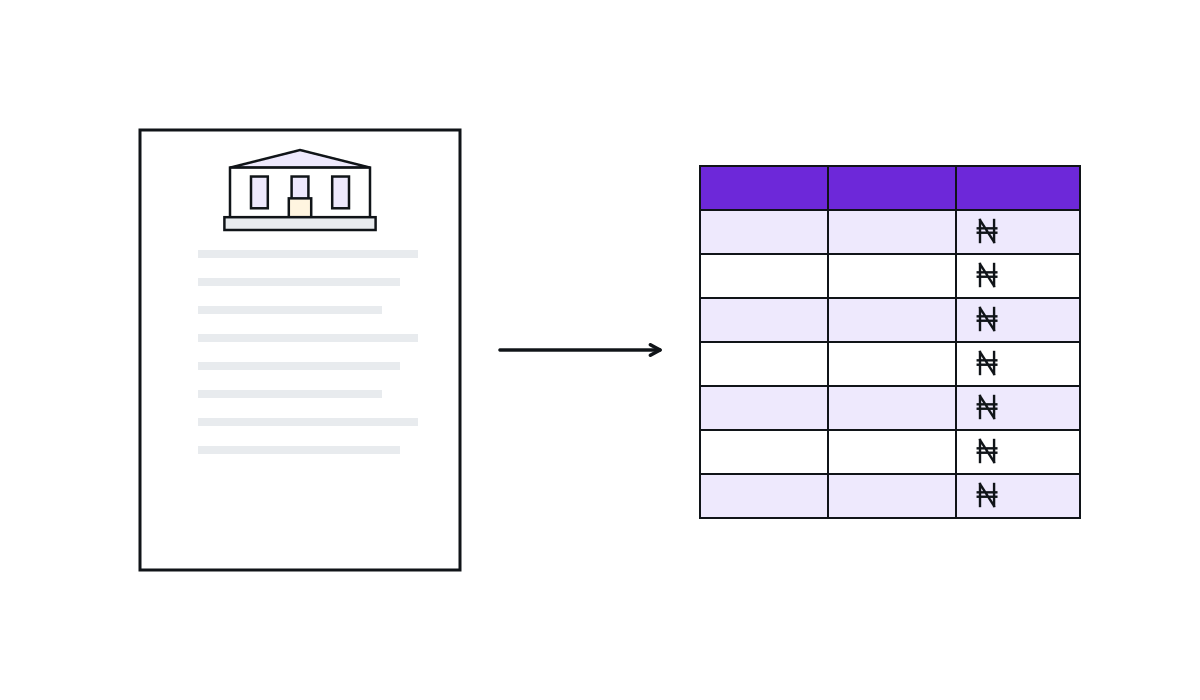
Drop the PDF your bank sent you and get every transaction as a clean table: date, narration, debit, credit, balance. Balances are reconciled row by row so you can trust the totals.
- Free
- No sign-up
- Nothing uploaded
- 2026 tax year
- Reviewed October 2026
- by the ereQa team

Drop your statement PDF here
GTBank, Access, Zenith, UBA, First Bank, Kuda, Moniepoint, OPay and more. It is read on your device and never uploaded.
Get your statement first
Each bank delivers the PDF differently. Pick yours for the exact steps, then come back and drop the file.
How it works
- 01
Get the PDF from your bank app
Every Nigerian bank app can email or download a statement. The per-bank pages give the exact menu path.
- 02
Drop it in
The PDF is opened in your browser. If it is password protected, enter the password from the delivery email; it never leaves your device.
- 03
Check the preview
Rows show date, narration, debit, credit and balance. Each row is checked against the running balance and any that fail are highlighted.
- 04
Download or save
Excel or CSV for a one-off. Save to ereQa to match every transaction to an invoice or bill and keep the history.
What makes it different
Nothing uploaded
Extraction, reconciliation and the Excel file are all built in your browser. There is no server to trust.
Reconciled, not guessed
Previous balance plus credit minus debit must equal the new balance on every row. The percentage is shown before you download.
Nigerian layouts
Bank detection and date formats for the banks Nigerians actually use, plus a generic reader for the rest.
Questions people ask
Is my statement uploaded anywhere?
My PDF asks for a password. What do I enter?
Which banks work?
What does reconciled mean?
Can it read a scanned or photographed statement?
Why is the second conversion gated?
ereQa
A spreadsheet is a snapshot. Books are the story.
Save the transactions to ereQa and each one is matched to the invoice or bill it paid, month after month, ready for your accountant and for e-invoicing.
See ereQaFor accountants
One accountant, ten clients, one login.
ereQa gives accountants unlimited client invites, statement matching and exports to the software your clients already use.
See the accountant plan